max 1 images
Upload Images
JPG, PNG · Max 10MB · Up to 1 files

Nano Banana AI Image Generator & Editor

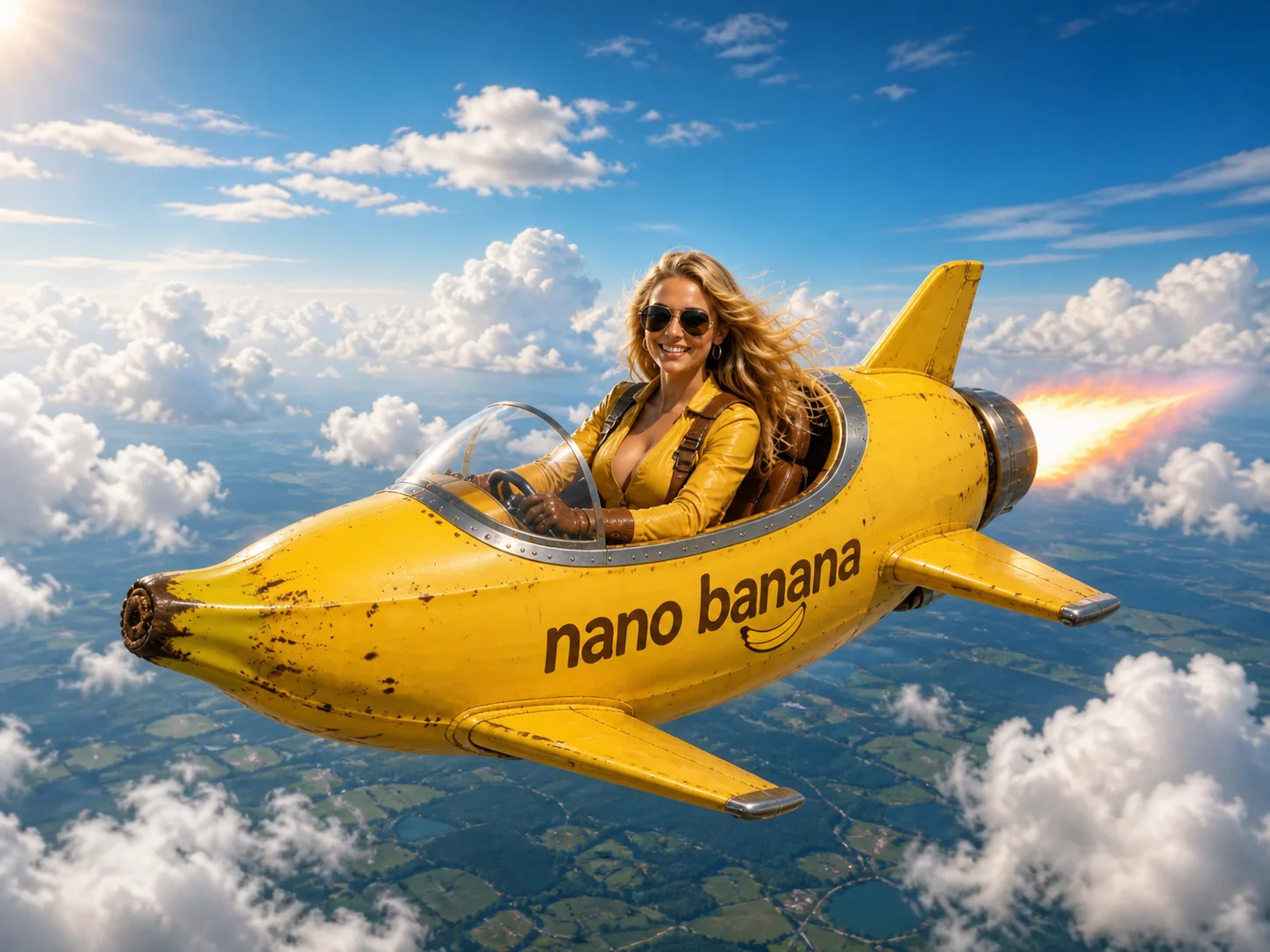
Create new visuals or rework existing photos with Gemini 2.5 Flash Image. Add, remove, or replace objects and backgrounds, combine several images into one scene, remix styles, and keep people recognizable across your edits.

Nano Banana AI Image Generator & Editor - preview

What Is Nano Banana AI Image Editor?

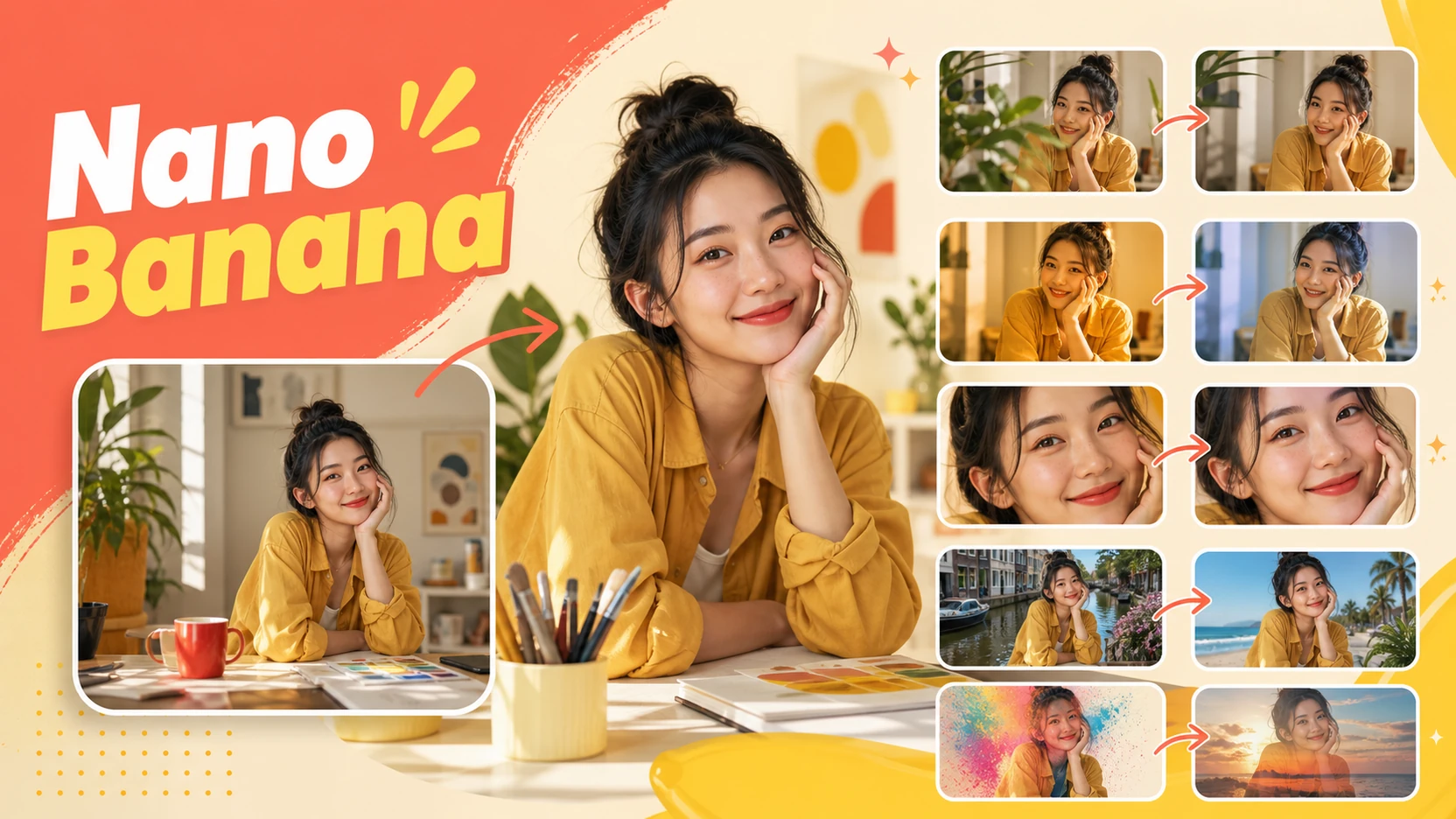
Nano Banana natural-language image editing examples

Edit Images with Natural-Language Instructions

Nano Banana turns plain-language instructions into fast, targeted image edits. Describe what you want to remove, refine, recolor, replace, or blend, and it adjusts the existing photo without requiring a long sequence of complex editing tools.

Easy Editing for Everyday Visuals

Work directly in your browser on portraits, product photos, social graphics, and creative concepts. Nano Banana preserves important subject details while changing backgrounds, colors, and visual elements, making it easier to explore variations and move from an original image to a usable result.

How to Use Nano Banana

Step 1

Upload an Image or Start with Text

Upload a photo when you want to edit or combine existing visuals. For text-to-image creation, you can start directly with a written idea.

Step 2

Describe the Result You Want

Write a natural-language prompt for the scene or change, such as replacing an object, changing the background, combining subjects, or remixing the style.

Step 3

Generate, Refine, and Download

Generate your image, review the result, then download it or continue with another instruction to refine specific details.

Why Choose NanoBanana

Edit Images with Natural Language

Turn plain-language instructions into focused visual changes without manually building masks or layers. Adjust objects, backgrounds, lighting, clothing, and other details by describing the intended result.

Combine and Remix Visual Ideas

Bring people, products, animals, or other elements from multiple images into one coherent scene, then adapt the setting and style for a new composition.

Keep Subjects Consistent Across Edits

Preserve recognizable faces, objects, and scene details while making targeted or multi-step changes, so each revision stays connected to the original image.

Compare Nano Banana Models

Fastest

Nano Banana 2 Lite

Core model
Gemini 3.1 Flash Lite Image
Best fit
Speed and scale
Relative speed
Fastest
Output
Optimized for 1K
Key strength
Low-latency, cost-efficient generation at high volume
Ideal for
Rapid drafts, prototypes, batch creation, and interactive tools
Explore 2 Lite
Balanced

Nano Banana 2

Core model
Gemini 3.1 Flash Image
Best fit
Quality and speed
Relative speed
Very fast
Output
512px to 4K
Key strength
Advanced reasoning and visual fidelity at Flash speed
Ideal for
Marketing assets, social content, localization, and everyday production
Explore Nano Banana 2
Professional

Nano Banana Pro

Core model
Gemini 3 Pro Image
Best fit
Maximum quality and control
Relative speed
Quality first
Output
2K and 4K
Key strength
Complex text, stronger reasoning, and studio-grade creative control
Ideal for
Posters, infographics, brand systems, print, and final artwork
Explore Pro
Current model

Nano Banana

Core model
Gemini 2.5 Flash Image
Best fit
First-generation editing
Relative speed
Fast
Output
Everyday generation and editing
Key strength
Identity consistency, image blending, and multi-turn editing
Ideal for
Everyday image generation, editing, image blending, and existing workflows
Create with Nano Banana

FAQs About NanoBanana

What is Nano Banana?
Nano Banana is an AI image generation and editing model powered by Google Gemini 2.5 Flash Image. On Banno AI, it turns natural-language instructions into new images or targeted edits.
Are nano banana and nanobanana the same model?
Yes. They are two common spellings for the same Gemini 2.5 Flash Image generation and editing experience.
Can I generate images from text and edit existing photos?
Yes. Start from a written prompt to create a new image, or upload existing visuals to change objects, backgrounds, clothing, lighting, and styles.
Can NanoBanana keep a person consistent while editing?
It is designed to preserve recognizable facial and subject details across targeted and iterative edits, including outfit, hairstyle, background, and scene changes.
Do I need photo-editing experience?
No advanced editing workflow is required. Describe the image or change in everyday language, then refine the result with follow-up instructions when needed.

Create and Edit with Nano Banana

Turn text and existing images into polished new visuals. Change objects and backgrounds, combine scenes, remix styles, and keep subjects consistent with Banno AI.