
Note: Auto only supports 1K. 1:1 does not support 4K.
Discord Avatar Maker for Custom Profile Pictures
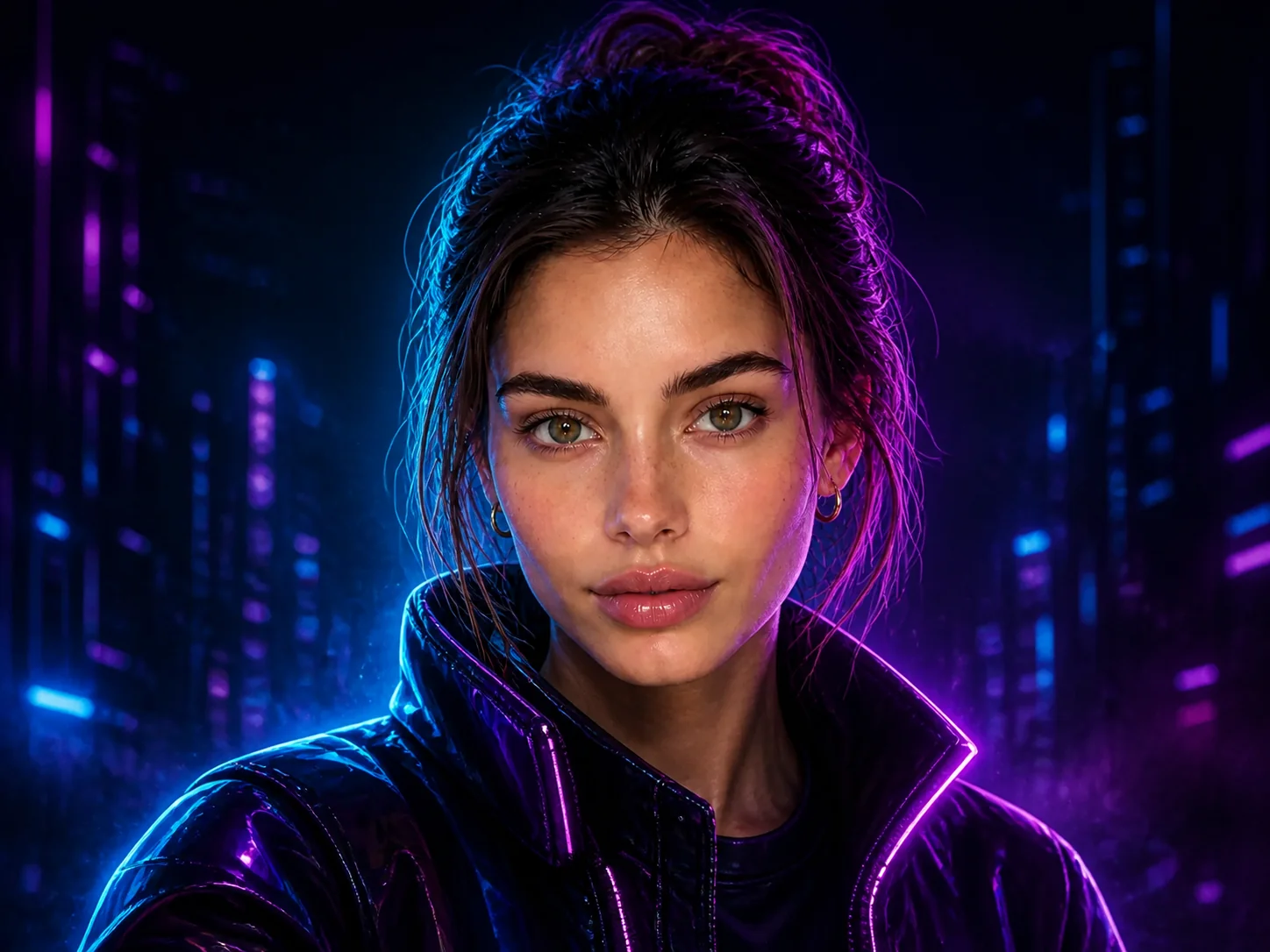
Turn your photo into a recognizable Discord PFP with a centered face, bold silhouette, clean background, and safe space for circular cropping. Create anime, gamer, pixel, cyberpunk, or custom avatar art that stays clear at small profile-picture sizes.
How to Make a Discord Avatar
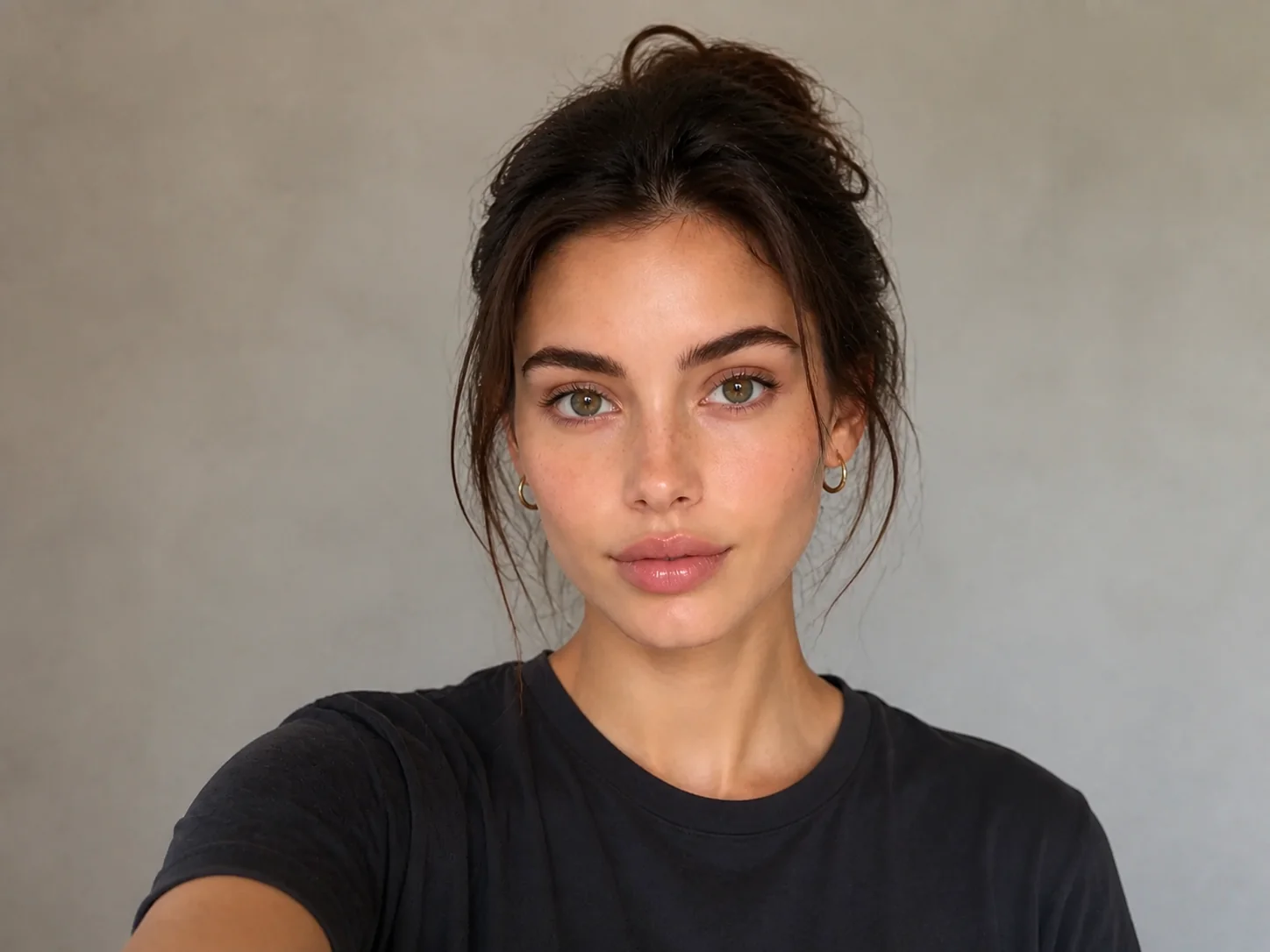
Upload Your Photo
Choose a clear selfie or portrait with the face and main subject easy to see.
Describe Your Avatar Style
Tell the AI whether you want anime, gaming, pixel art, cyberpunk, fantasy, or another look, including your preferred colors, lighting, and mood.
Generate and Download
Create the avatar, check that the face and main silhouette remain clear inside a circular crop, then download your preferred result.
Why Use a Discord Avatar Maker?
Turn Your Photo into a Distinct Avatar
Restyle a real portrait into expressive avatar art while keeping the person recognizable. Explore anime, gamer, pixel, fantasy, cyberpunk, and other visual directions without drawing from scratch.
Keep the Subject Clear After Circular Cropping
A centered face, bold silhouette, uncluttered background, and safe margin help the avatar remain readable when Discord displays it as a small circle.
Create Profile Pictures and Server Icons
Build a personal PFP, gaming identity, community icon, or matching visual for Discord, then reuse the style across streaming and social profiles when you want a consistent online presence.
Who Uses Banoo AI?
Everyday Creators
Turn simple ideas into illustrations, social visuals, and trend-inspired images. Edit personal photos with natural-language instructions—no complex editing software required.
Marketing & Business Teams
Create consistent product images, AI characters, ad creatives, and clear infographics. Compare results across multiple AI models, refine layouts, and maintain a consistent marketing visual identity.
Digital Artists
Refine characters, scenes, and visual concepts through multiple iterations. Keep faces, outfits, and art direction consistent for comics, storyboards, short films, and other creative projects.
FAQs About the Discord Avatar Maker
Create Your Custom Discord Avatar
Use Banoo AI to turn a portrait into a centered, crop-safe avatar that expresses your style and stays clear across Discord profiles and servers.