
Note: Auto only supports 1K. 1:1 does not support 4K.
Logo Color Changer for Fast Brand Recoloring
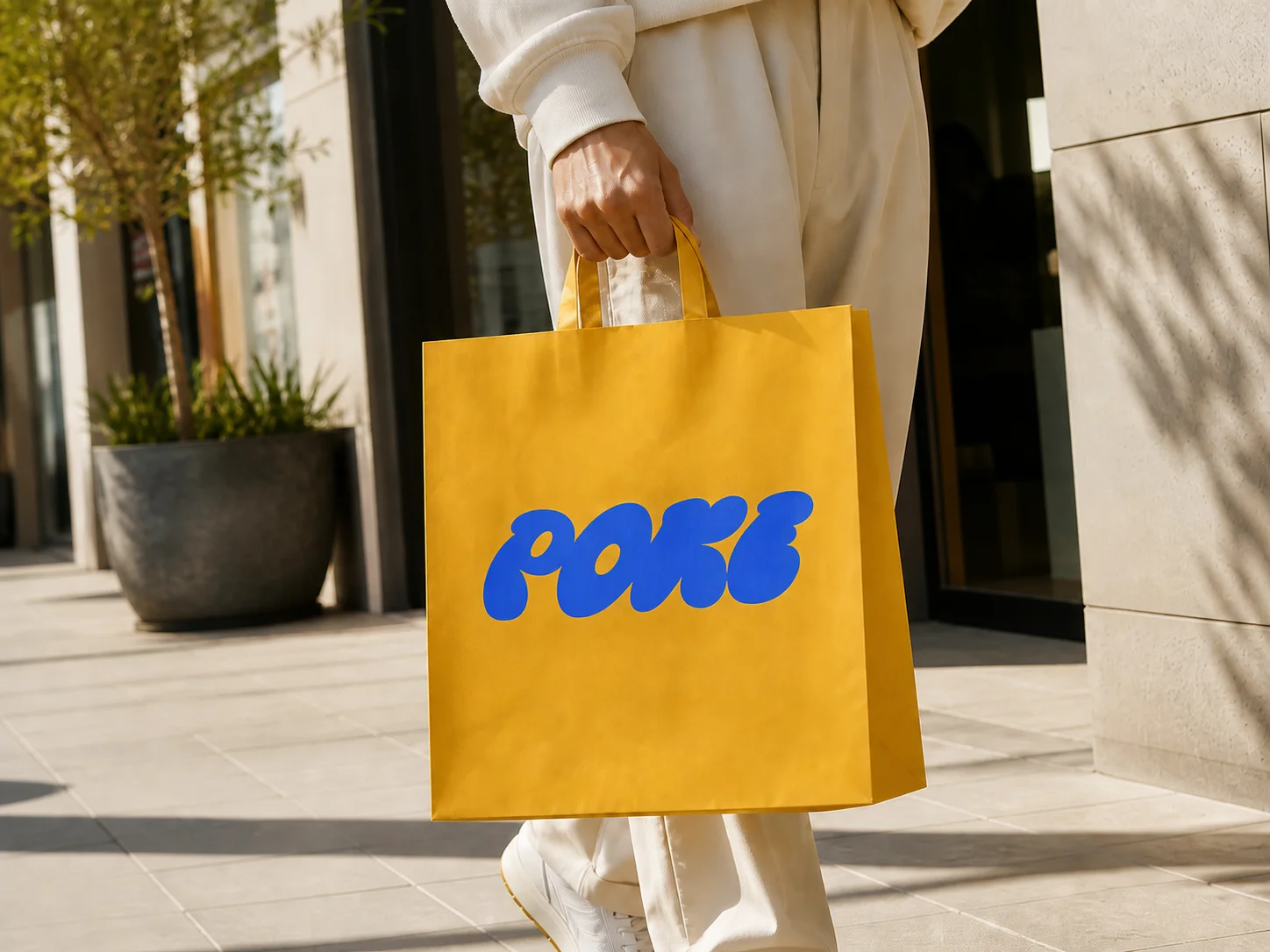
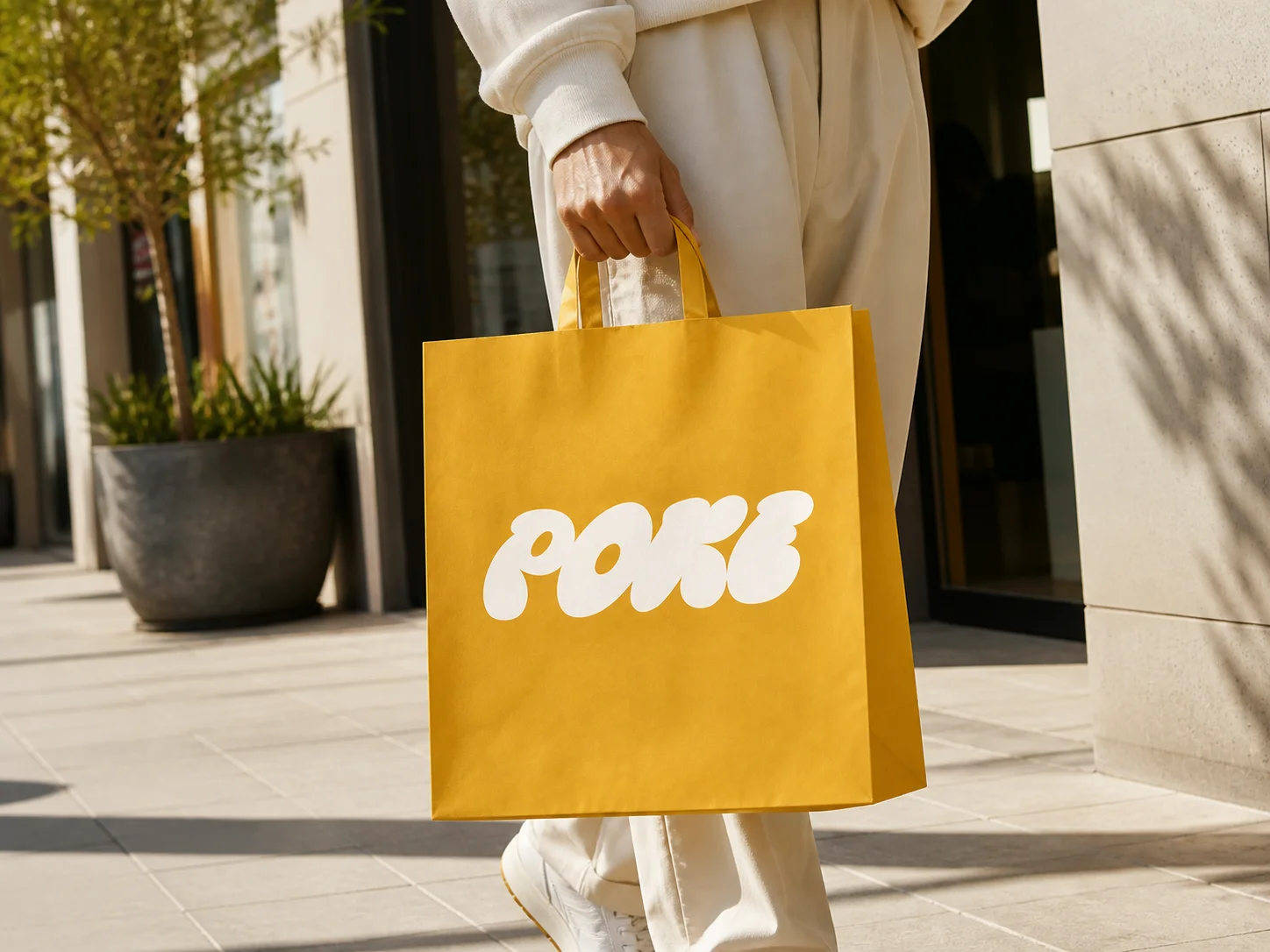
Recolor an existing logo into black, white, brand colors, gradients, or seasonal palettes while preserving its text, shapes, fine details, and overall structure.
How to Change Logo Color with AI
Upload Your Logo
Choose a clear logo image with readable text and distinct shapes so the AI can identify the design and the areas that need recoloring.
Describe the New Colors
Explain the color change you want, such as turning a dark logo white, applying new brand colors, or updating selected elements while leaving the rest unchanged.
Generate and Download
Generate the recolored version, review the text, shapes, and color balance, then download the result for your website, campaign, or design project.
Why Use a Logo Color Changer?
Refresh Colors Without Rebuilding the Logo
Explore black, white, brand, seasonal, and gradient color directions without recreating the original design from scratch. It is a faster way to compare new visual identities and campaign variations.
Preserve Text, Shapes, and Design Details
The AI focuses on the requested color changes while retaining the logo's wording, icon shapes, proportions, and recognizable structure as closely as possible.
Create Versions for Different Brand Contexts
Use Banoo AI to prepare alternative logo colors for light or dark layouts, social graphics, product mockups, seasonal campaigns, and other branded materials.
Who Uses Banoo AI?
Everyday Creators
Turn simple ideas into illustrations, social visuals, and trend-inspired images. Edit personal photos with natural-language instructions—no complex editing software required.
Marketing & Business Teams
Create consistent product images, AI characters, ad creatives, and clear infographics. Compare results across multiple AI models, refine layouts, and maintain a consistent marketing visual identity.
Digital Artists
Refine characters, scenes, and visual concepts through multiple iterations. Keep faces, outfits, and art direction consistent for comics, storyboards, short films, and other creative projects.
FAQs About the Logo Color Changer
Change Logo Color with AI
Give your existing logo a new palette while keeping its design recognizable and ready for your next brand or campaign visual.