
Note: Auto only supports 1K. 1:1 does not support 4K.
Remove Background from Signature
Upload a photo or scan of your signature, and Banoo AI removes the paper or distracting background while preserving fine strokes and natural edges.

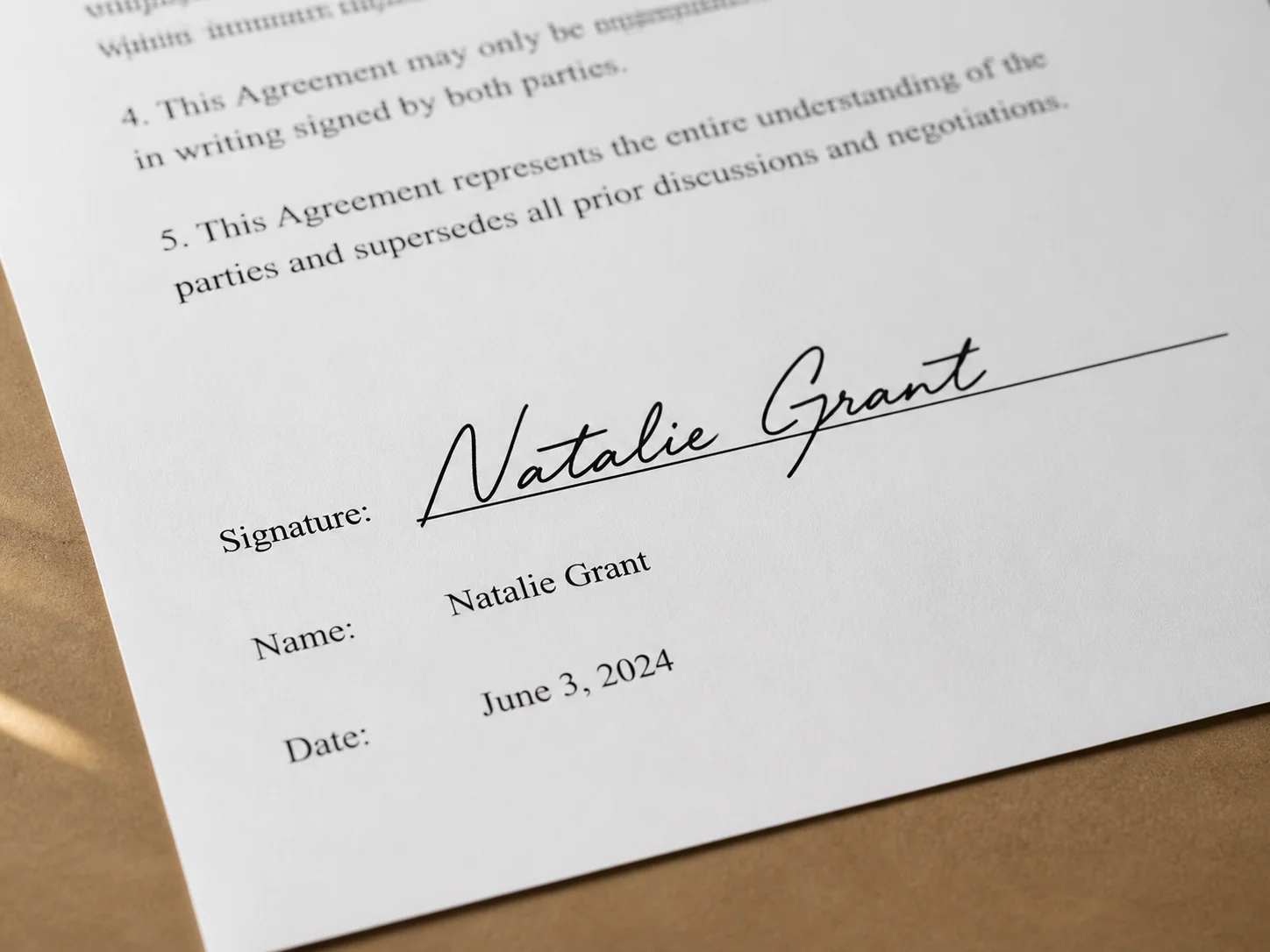
How to Remove Background from Signature
Upload Your Signature Image
Choose a clear photo or scan of a handwritten or digital signature. An image with visible strokes and good contrast helps produce a cleaner result.
Let AI Remove the Background
Banoo AI identifies the signature, removes the surrounding paper or distracting background, and keeps the fine lines and natural shape intact.
Download the Transparent Signature
Review the result and download your signature as a transparent PNG for documents, contracts, online forms, or creative layouts.
Why Use Banoo AI to Remove Background from Signature
Preserve Fine Signature Strokes
AI isolates the signature while retaining thin lines, curves, and natural ink details that define the original handwriting.
Create a Clean Transparent PNG
Replace the paper background with transparency, giving you a flexible digital signature that fits naturally over different document backgrounds.
Prepare Signatures for Everyday Documents
Use the finished signature in PDFs, Word files, contracts, invoices, online forms, presentations, and design projects.
Who Uses Banoo AI?
Everyday Creators
Turn simple ideas into illustrations, social visuals, and trend-inspired images. Edit personal photos with natural-language instructions—no complex editing software required.
Marketing & Business Teams
Create consistent product images, AI characters, ad creatives, and clear infographics. Compare results across multiple AI models, refine layouts, and maintain a consistent marketing visual identity.
Digital Artists
Refine characters, scenes, and visual concepts through multiple iterations. Keep faces, outfits, and art direction consistent for comics, storyboards, short films, and other creative projects.
FAQs About Removing Background from Signature
Remove Background from Your Signature
Upload your signature to Banoo AI and create a clean, transparent PNG for documents, contracts, and designs.